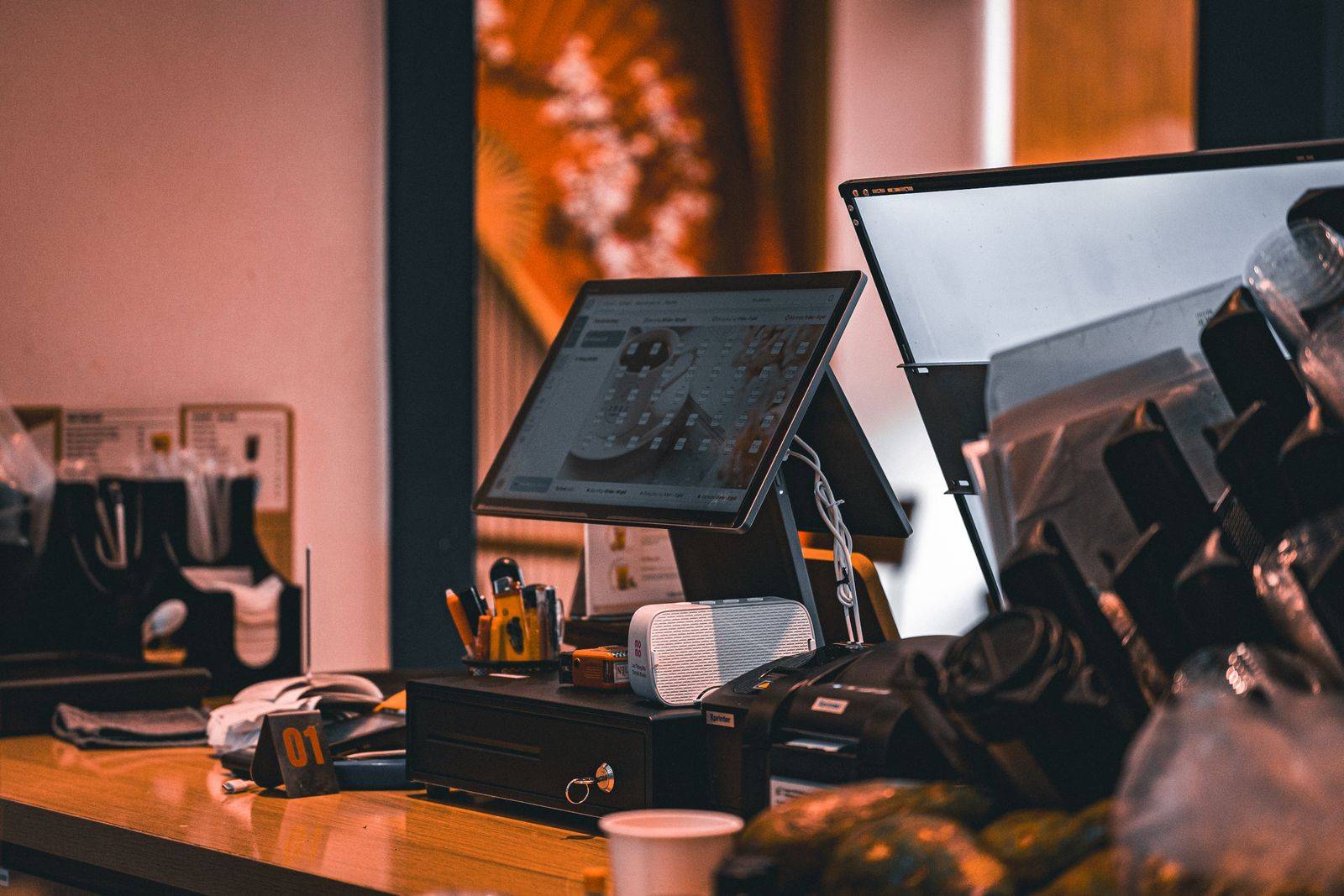
For many Kenyan businesses, M-Pesa Paybill and Till payments are the main way customers pay. The money arrives instantly, but the accounting often does not. Finance teams download statements, match each payment to an invoice by hand and chase customers whose payments cannot be identified. As volumes grow, this delays credit releases and stretches the month-end close.
How automated reconciliation works
- Capture: through Safaricom's Daraja API, your system registers confirmation and validation URLs so each customer-to-business payment is sent to you as it happens, with the amount, phone number, transaction ID and account reference.
- Match: rules compare the account reference, amount and customer to open invoices. Payments that match cleanly are confirmed automatically.
- Post: matched payments are posted to the customer account in your ERP, clearing the invoice and updating the cash position.
- Review: only genuine exceptions, such as wrong references, partial payments or overpayments, go to a person, with suggested matches.
Get the account reference right
The single biggest improvement usually comes from the account reference customers enter. Use a reference that is easy to type and unique, such as an invoice number or customer code, print it clearly on invoices and statements, and validate it at the point of payment where possible so mistakes are caught before money is sent.
Do not forget the bank side
M-Pesa settlements and bank receipts need to agree with what has been posted. A complete solution imports bank statements as well, so finance can reconcile the M-Pesa float, settlements to the bank and the general ledger in one place.
Controls and security
- Protect API credentials and verify that confirmation messages genuinely come from Safaricom.
- Make posting idempotent, so a repeated message never posts a payment twice.
- Keep a full audit trail from transaction ID to ledger entry.